
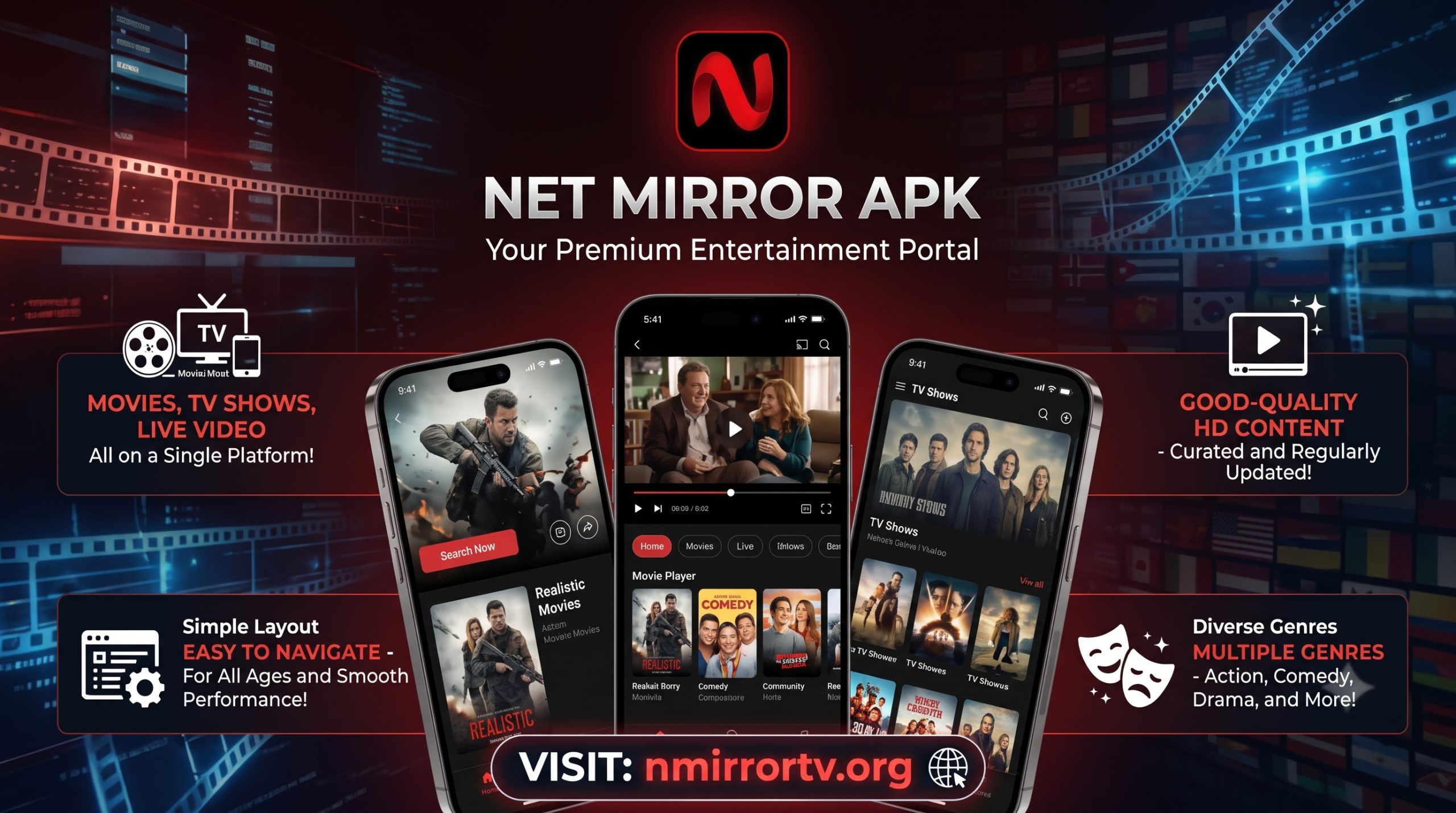
| App Name | NetMirror |
| Version | V6.0 |
| Size | 49 MB |
| Developer | NetMirror Team |
| Category | Entertainment |
| License | FREE (0$) |
| Requires | Android 5.0 or above |
| Updated On | 1 day ago |
NetMirror APK Download
Android applications have made it easier to explore different types of digital entertainment using smartphones and tablets. Many users prefer applications with simple interfaces, organized categories, and convenient navigation. However, before installing an APK file, it is important to understand its features, compatibility, and download requirements.
NetMirror APK for Andriod is a commonly searched topic among users who want to learn about the application’s installation process, available features, and Android support. APK files allow Android users to install applications outside the Google Play Store, but downloading them from unknown websites can create security risks. In this guide, we will explain what the application is, discuss its features, review the installation process, and share useful tips for avoiding common problems.
What Is NetMirror APK?
NetMirror is an entertainment application associated with browsing movies and television content. Its APK format refers to the Android application package used to distribute and install Android software. Users searching for this application generally want information about its interface, content categories, playback options, and device compatibility. Before installing an APK, check its developer information, version number, file authenticity, and Android requirements. These details can help you make a more informed decision.
Main Features of NetMirror APK
Entertainment applications may offer different tools to make content discovery and browsing easier. Here are some features users may look for when exploring NetMirror.
1. Simple User Interface
A clean interface makes it easier to navigate different application sections.
- Organized menus and navigation.
- Easy-to-understand layout.
- Convenient browsing options.
- Accessible application settings.
2. Movie Categories
Organized categories help users explore different types of entertainment.
- Different movie genres.
- Organized content listings.
- Convenient browsing sections.
- Easier content discovery.
3. TV Shows and Web Series
Television shows and web series are popular entertainment choices. An organized layout can make browsing available titles more convenient.
- Series browsing options.
- Organized episode listings where supported.
- Easy navigation.
- Convenient content discovery.
4. Search Functionality
A search feature can help users find specific titles without manually exploring every category.
- Search using content names.
- Find matching results.
- Reduce browsing time.
- Discover available titles.
5. Video Playback Options
Playback controls allow users to manage their viewing experience.
- Basic playback navigation.
- Pause and resume controls.
- Video quality options where supported.
- Compatibility with available formats.
6. Subtitle Support
Subtitles can help viewers understand entertainment content in different languages.
- Subtitle options for supported videos.
- Available language selections.
- Improved viewing accessibility.
- Better understanding of dialogue.
7. Android Compatibility
Compatibility determines whether an application can work properly on a particular device.
- Support for compatible Android phones.
- Installation on supported tablets.
- Device-dependent performance.
- Requirements based on the application release.
NetMirror APK Download Step-by-Step Installation Guide
Installing an APK requires a few basic steps. Before starting, make sure you have a compatible Android device and a trustworthy installation file.
Step 1: Check Your Android Device
First, review your smartphone’s operating system and available storage.
- Open Settings on your Android phone.
- Select About Phone.
- Find the Android Version section.
- Check your available storage.
- Compare these details with the application’s stated requirements.
This step helps you identify potential compatibility issues before downloading the file.
Step 2: Find a Trusted Download Source
Look for an official developer website or a verified application distribution source.
Before downloading, review the following information:
- Application name.
- Developer or publisher details.
- Available version number.
- Release information.
- File authenticity.
- Requested permissions.
Avoid suspicious websites that offer modified APK files or display misleading download buttons.
Step 3: Download the APK File
If a verified installation file is available, follow the source’s download instructions.
- Open the trusted download page.
- Find the compatible application version.
- Review the file information.
- Select the download option.
- Wait for the download to finish.
Make sure the file comes from a source you can verify. Do not install an APK simply because its name matches the application.
Step 4: Review Android Security Settings
Android may restrict applications installed from outside the Google Play Store.
If your device displays a security warning, review the information carefully. Only proceed when you have verified the file and its source.
Avoid granting installation permissions to unknown applications unnecessarily. You can disable temporary installation permissions after completing a trusted installation.
Step 5: Install the APK
After verifying the downloaded file, follow the supported installation instructions.
- Open the Downloads folder.
- Locate the downloaded APK.
- Tap the installation file.
- Review the security information.
- Continue only if the file is trustworthy.
- Wait for the installation process to complete.
If Android identifies the file as harmful or suspicious, do not ignore the warning.
Step 6: Open the Application
Once installation finishes, locate the application in your app menu.
Open it and explore the available sections. Check whether the interface loads properly and whether the supported features work on your device.
System Requirements for NetMirror APK
Before installing an application, users should understand the basic requirements that can affect performance and compatibility.
The exact requirements depend on the specific release. Consider these general factors:
| Requirement | Details |
|---|---|
| Operating System | Supported Android version |
| RAM | Sufficient available memory |
| Storage | Free space for installation |
| Internet | Stable Wi-Fi or mobile data |
| Processor | Compatible device hardware |
| Permissions | Necessary application access |
A smartphone with sufficient memory and storage can generally handle applications more comfortably. Always check the actual requirements provided by the application developer.
How to Update NetMirror APK
Keeping an application updated may help address certain bugs and compatibility issues. If a newer verified release becomes available, review its information before installing it.
Follow these steps:
- Visit the application’s verified source.
- Check the available version number.
- Compare it with your installed version.
- Read the release information.
- Confirm that the new release supports your device.
- Follow the official update instructions.
- Open the application after updating.
Avoid downloading updates from unknown websites. A newer version number does not guarantee that an installation file is authentic.
Common NetMirror APK Download Problems and Solutions
Sometimes, users experience problems while downloading or installing an APK. Here are some common issues and possible solutions.
1. APK File Is Not Downloading
A download may fail because of network interruptions, insufficient storage, or website problems.
Possible Solutions:
- Check your internet connection.
- Free up device storage.
- Refresh the download page.
- Use a trustworthy download source.
2. APK Is Not Installing
Installation errors can happen because of incompatible Android versions, damaged files, or insufficient storage.
Possible Solutions:
- Check Android compatibility.
- Verify the downloaded file.
- Remove incomplete downloads.
- Check available storage space.
3. Application Keeps Crashing
Unexpected crashes may be caused by corrupted cache files or software conflicts.
Possible Solutions:
- Restart your smartphone.
- Clear the application cache.
- Close unnecessary background apps.
- Check for verified updates.
4. Videos Are Not Loading
Playback problems may be connected to network speed or temporary content availability issues.
Possible Solutions:
- Switch between Wi-Fi and mobile data.
- Restart the application.
- Check your internet speed.
- Try again after some time.
Is NetMirror APK Safe to Download?
The safety of an APK depends on its source, authenticity, developer, and requested permissions. Not every third-party website provides a genuine or secure installation file.
Before downloading, follow these precautions:
- Prefer official or verified sources.
- Check the developer’s information.
- Review application permissions.
- Avoid suspicious modified APK files.
- Use Android’s built-in security scanning features.
- Do not provide unnecessary personal information.
- Avoid files that trigger security warnings.
If you cannot verify an APK’s authenticity, it is safer not to install it.
Benefits of Using Android Entertainment Applications
Android entertainment applications offer several conveniences for users who enjoy watching movies and television content.
Some general benefits include:
- Convenient Access: Explore entertainment using a compatible smartphone or tablet.
- Easy Navigation: Organized menus can make browsing simpler.
- Content Discovery: Search tools help users find available titles.
- Flexible Viewing: Use supported devices according to your preferences.
- Personalized Experience: Available settings may help adjust the viewing experience.
- Device Portability: Smartphones make entertainment accessible while travelling.
The actual benefits and available features depend on the application and its verified release.
Frequently Asked Questions
1. What Is NetMirror APK Download?
It refers to downloading the Android installation package associated with the NetMirror application. Users should verify the file’s source before installing it.
2. How Can I Install NetMirror APK on Android?
Check device compatibility, obtain a verified APK if available, review Android security information, and follow the supported installation instructions.
3. Is NetMirror APK Free?
Pricing and access conditions depend on the actual application and its distribution source. Check verified information before installing or using it.
4. Why Is NetMirror APK Not Installing?
Possible reasons include insufficient storage, incompatible Android versions, damaged installation files, or security restrictions.
5. Can I Update NetMirror APK Without Uninstalling It?
Some Android applications support installing a compatible update over an existing version. Follow the developer’s instructions and back up important local information first.
6. Does NetMirror APK Work on All Android Devices?
No application should be assumed to support every Android device. Compatibility depends on the operating system, hardware, and specific application release.
7. Can I Download NetMirror APK on Android TV?
This depends on whether the particular application version supports Android TV. Check the developer’s device compatibility information before installation.
8. How Can I Check Whether an APK Is Safe?
Verify the developer and download source, review requested permissions, and use Android security scanning. Avoid installing files that appear suspicious.
Final Words
Installing an Android application requires more than simply downloading an APK file. Users should check device compatibility, verify the installation source, understand security permissions, and follow the correct installation process. NetMirror APK Download is a topic worth exploring if you want to understand the application’s features, Android requirements, and installation options. By following this step-by-step guide, you can make informed decisions and avoid common APK installation problems while keeping your device security a priority.
1 thought on “NetMirror APK Download Everything You Need to Know”